Free shipping on orders $119+ Learn more

Pick up in store - ready next business day

Food Superman Interactive Reading Pen Downloads & Updates

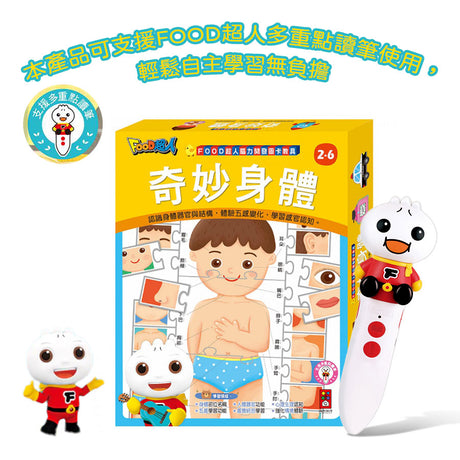
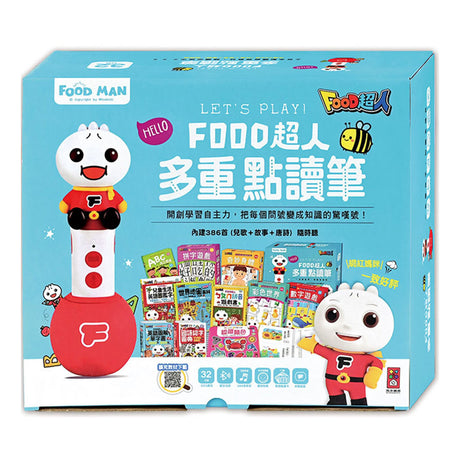
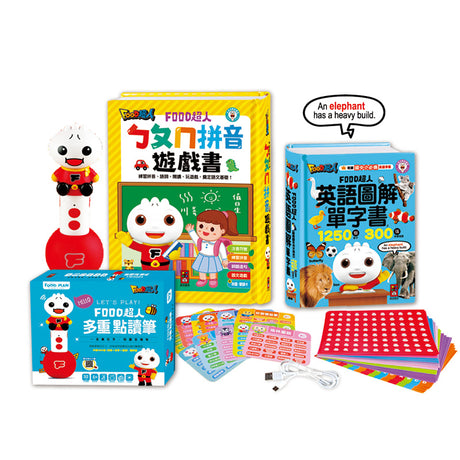
The FOOD Superman Interactive Reading Pen is designed to grow with your child—from first stories and songs to bilingual learning and independent reading. To use newly purchased supported titles, simply download the matching audio files below and update your pen. One pen, all books — and more titles added regularly. 

PURCHASE & DOWNLOAD

  • 1. Purchase a book
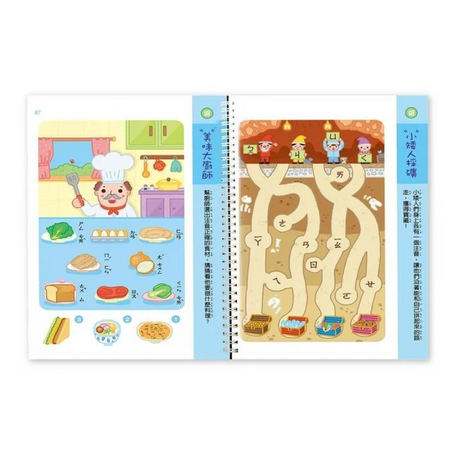
    Buy any supported title from our store

  • 2. Find your book

    Find your book in the download list below

  • 3. Download audio file

    Click the download button to save the .GMP file to your computer

UPDATE YOUR READING PEN

  • 4. Connect via USB

    Connect the reading pen to your computer using the USB cable

  • 5. Copy to BOOK folder

    Open the "BOOK" folder on the pen and copy the .GMP file inside.
    *Do not delete existing files!

  • 6. Tap the cover icon

    Before reading, tap the reading pen "支援多重點讀筆" icon on the book cover to activate